Your audio, ready to keep
YouTube to WAV Converter
Convert a YouTube link into a WAV audio file. Use the online converter or add the extension to Chrome.
Chrome extension for desktop.
- Free Chrome extension
- No sign-up
- Full audio track
Use it right here
YT to WAV, right in your browser
Use the online YouTube WAV converter to turn a public video link into a downloadable audio file. Start with the module at the top of this page. No extension installation required.
Use the online converter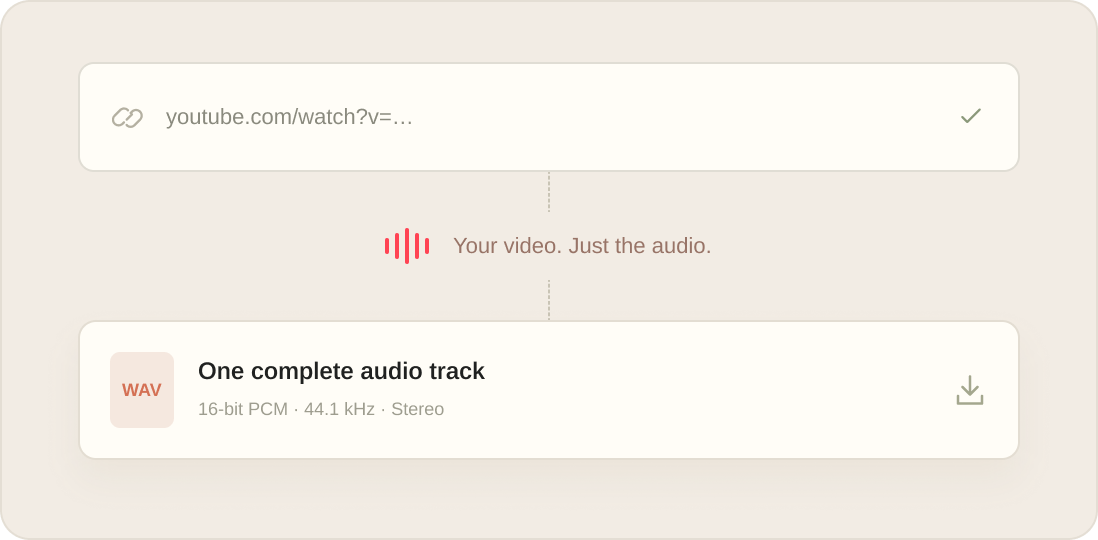
Always a click away
YouTube to WAV downloader for Chrome
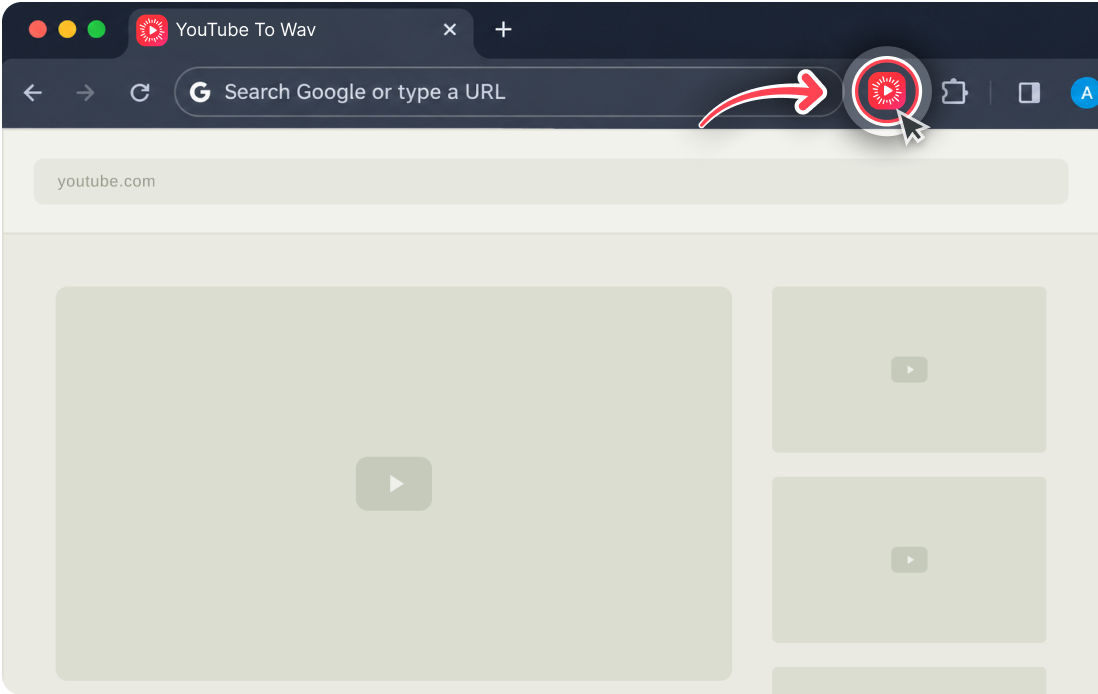
Keep the converter one click away. Pin the extension, paste a link and download the finished file. Reopen the popup to check your latest task.
Add to ChromeFree extension for desktop Chrome. No sign-up.
The file is yours to keep
Download YouTube WAV audio
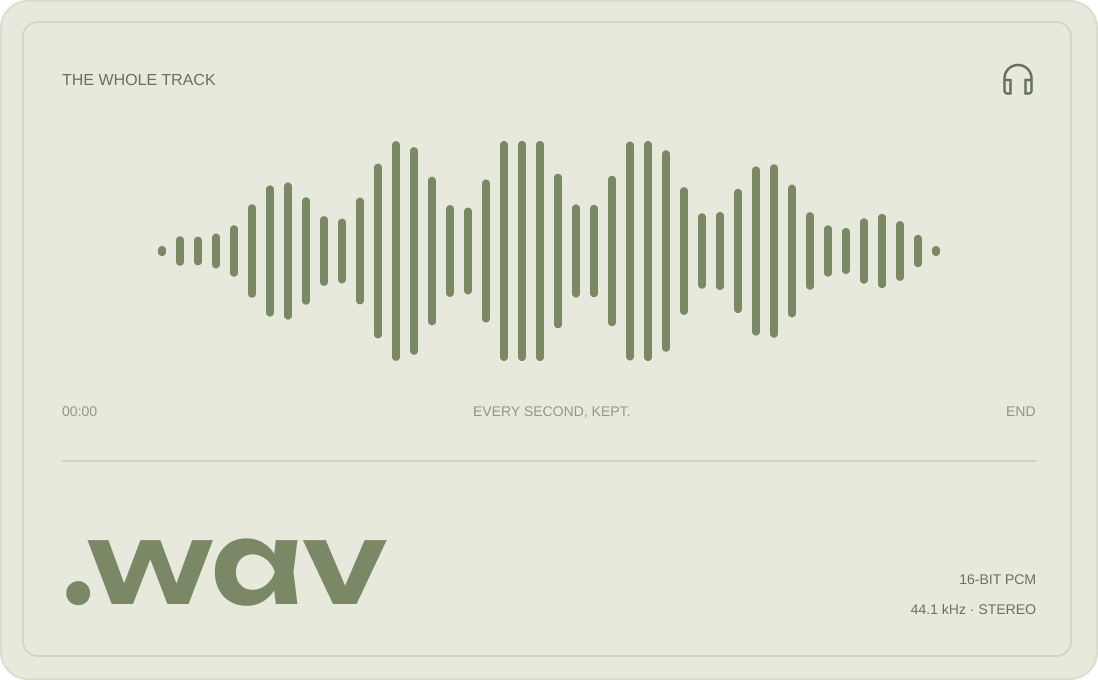
Save the complete audio track for listening or editing. Get a WAV file without the video, ready for your next project.
-
One format. No guesswork.
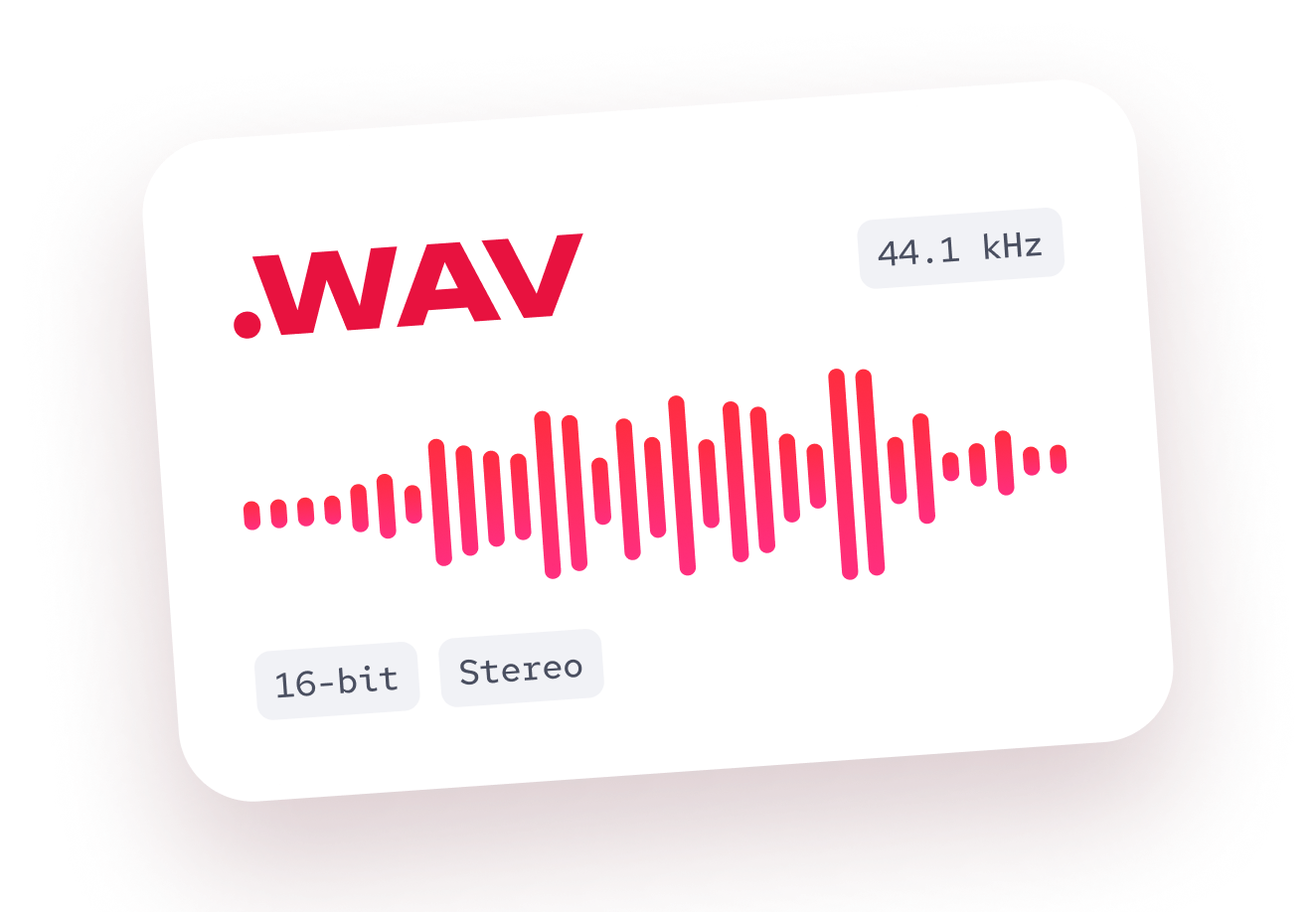
16-bit PCM, 44.1 kHz, stereo. Ready to open in compatible editors and players.
-
Save it. Keep it.
Once downloaded, your file is ready to use offline.
WAV preserves the available audio. It doesn’t restore detail missing from the original.
Paste. Generate. Download.
How to convert YouTube to WAV
-
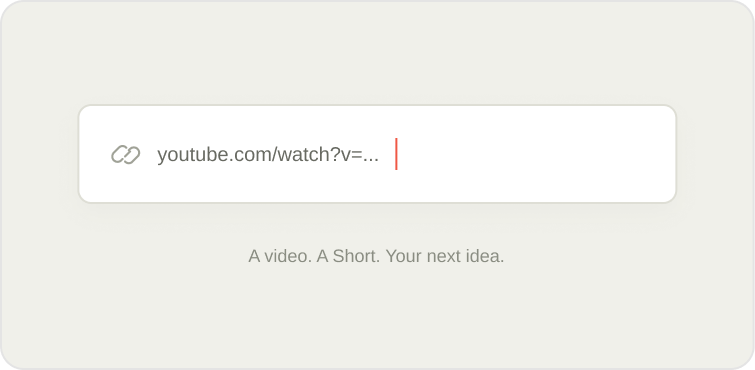 01
Paste a link
Copy the link to a public YouTube video and paste it into the converter.
-
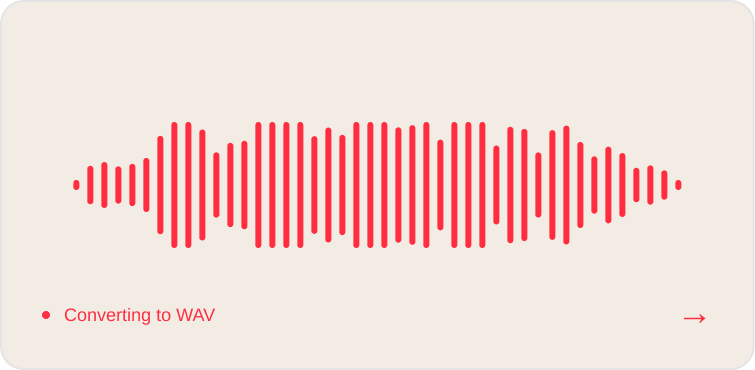 02
Generate WAV
Follow the progress as the full audio track is prepared in WAV format.
-
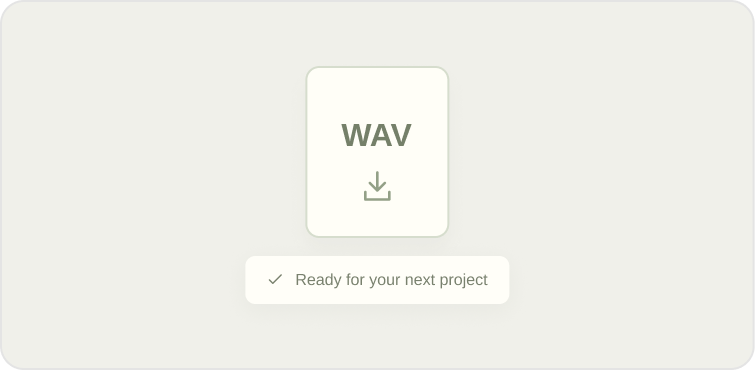 03
Download your file
Download the file. Open it in your player or bring it into your audio editor.
Small tool. Clear process.
Simple to use. Clear about your data.
-
No account needed
Paste your link and start. No email or password required.
-
Online processing
Your submitted link is processed on a server. Conversion needs an internet connection.
-
Temporary downloads
Save your file before the download link expires. Keep the downloaded file on your computer.
Good to know
YouTube to WAV: frequently asked questions
Can I convert a link without installing the extension?
Yes. Paste a public YouTube video link into the converter on this page, start the conversion, and download the WAV file when it’s ready. No extension installation is required.
Is YouTube To Wav free to use?
Yes. Both the online converter and the Chrome extension are free to use. No account is required.
Does converting to WAV improve audio quality?
No. The format changes, but lost detail in the original audio cannot be restored. The output preset is uncompressed 16-bit PCM at 44.1 kHz, with two channels.
Can I download a playlist or trim the audio?
Each task handles the complete audio track from one video. Playlists, batch downloads, and trimming aren’t part of this workflow. A timestamp in the link still produces the whole recording.
Why is my YouTube WAV download unavailable?
The source may be private, removed, restricted, or otherwise unavailable. A temporary download link may also have expired. The task message explains the issue so you can correct the link or start again.
Which links are supported?
The converter supports public YouTube videos, shortened youtu.be links, and YouTube Shorts. Ongoing live streams are not supported. Duration and file-size limits apply.
Take the audio with you
Ready to download WAV from YouTube?
Paste a link online or keep the converter in Chrome.